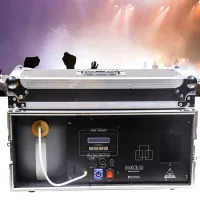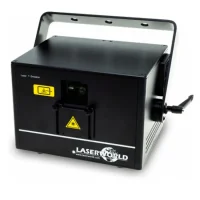
1. Choose equipment
Favourite the products you want!
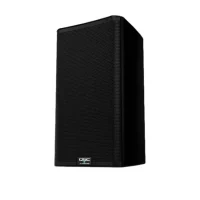
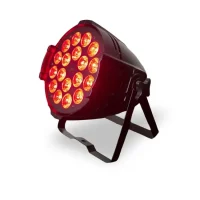
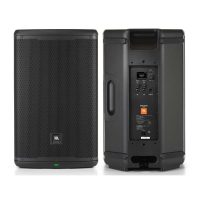
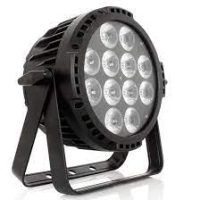
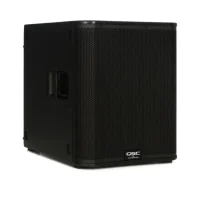
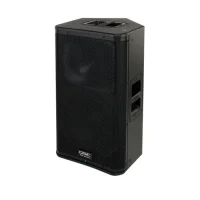
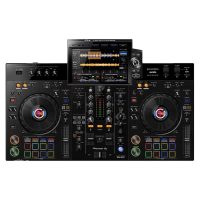
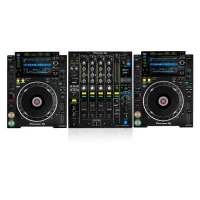
Choose the equipment you want for your party.
2. Lease period
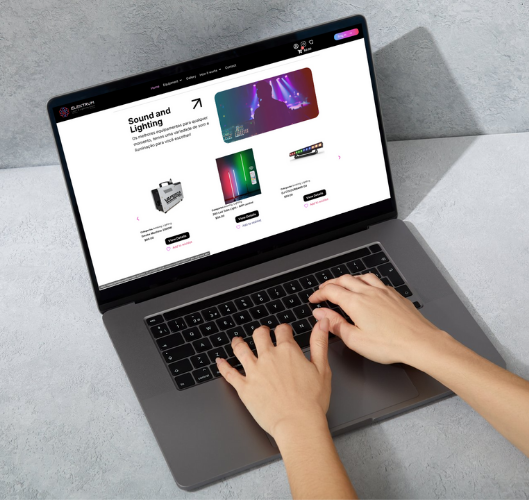
Add equipment rental period.
After selecting your equipment, select the day and time to receive it and the day and time for our team to pick it up. Add the equipment to your cart.
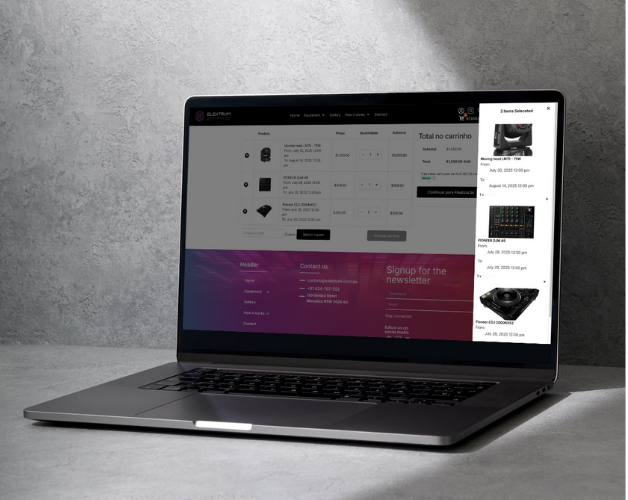
3. Check cart
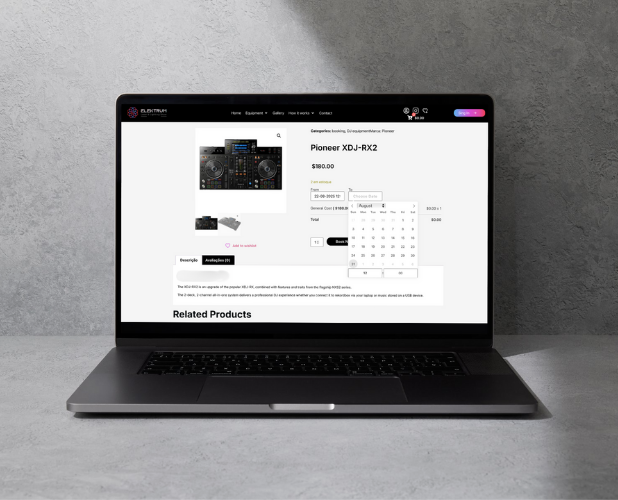
Check the equipment and dates.
After adding all equipment to the cart, proceed to finalise the rental.
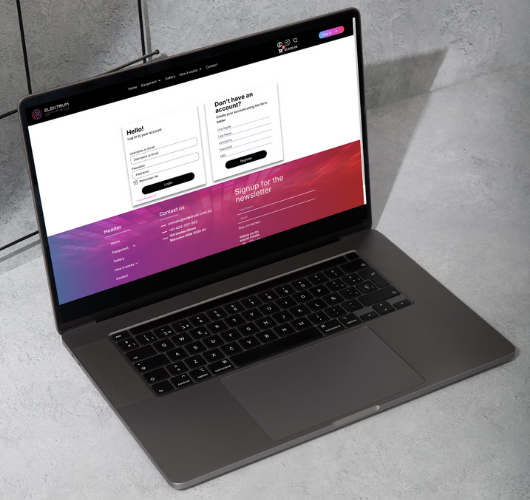
4. Log in or create a new account
After choosing the equipment.
Log in to your account or create a new account, in the my account area, add your valid identification document. This action is very important when scheduling equipment.
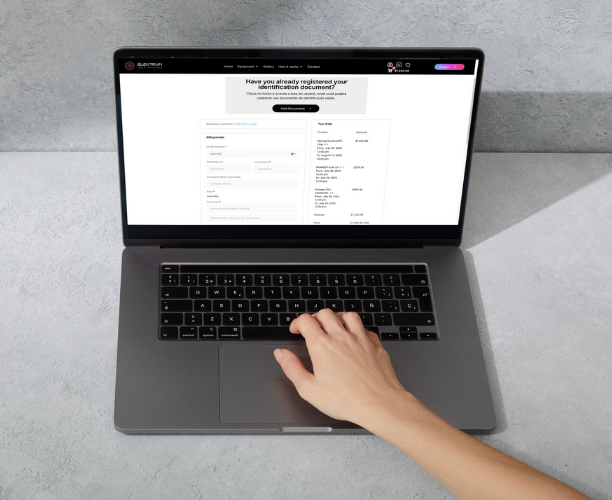
5. Finalize Scheduling
Return to the cart and proceed to complete the rental.
Fill out the form with your personal details and choose the best payment method.
6. Scheduling Completed
After completing the rental, you will receive all the rental details, the link to sign the rental agreement, and instructions for equipment delivery or pickup in your email.